
Two clicks. That's it.
Right-click a file, pick an action, you're done. No app to open, no import, no export. The workflow disappears so you can focus on the file.
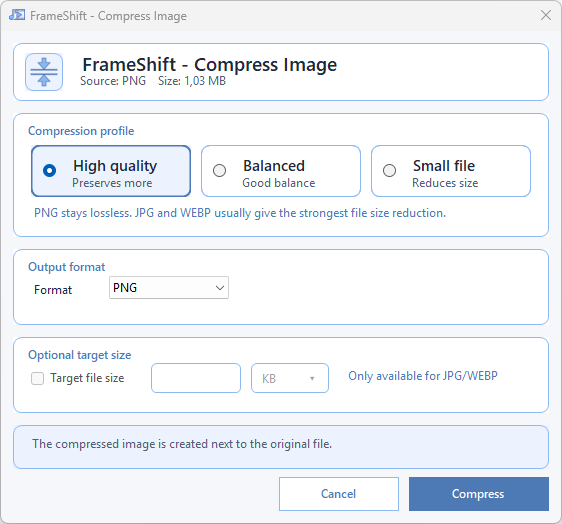
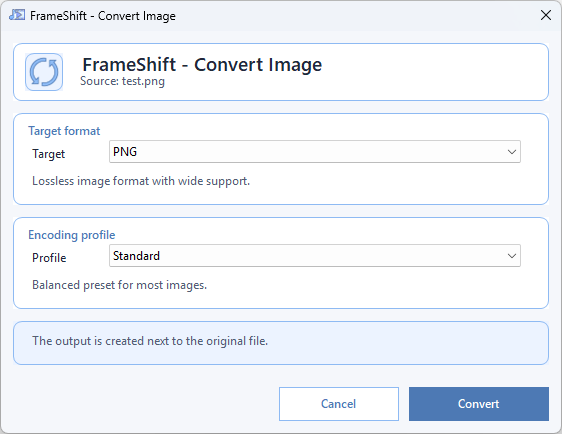
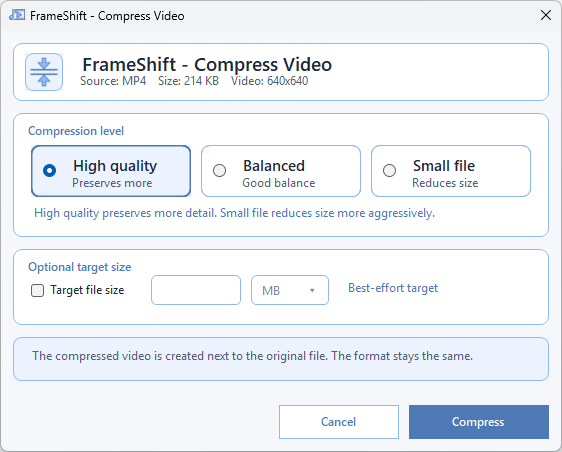
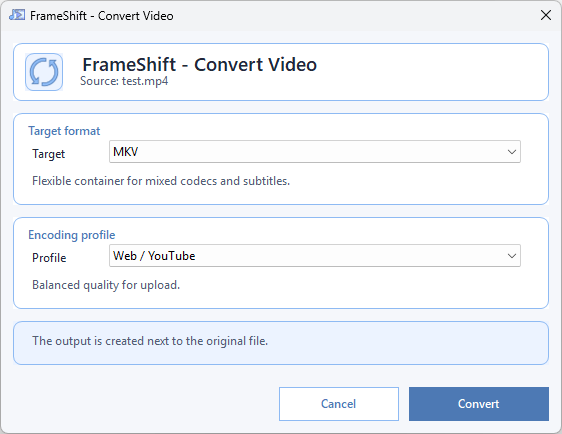
Convert, compress, crop and enhance video, audio and images directly from the Explorer right-click menu. Local processing. No file upload. No subscription.
Right-click a file, pick an action, you're done. No app to open, no import, no export. The workflow disappears so you can focus on the file.
No cloud, no upload, no telemetry. Your photos, videos and audio files never leave your disk. Works the same with or without an internet connection.
The open-source reference for audio and video, natively integrated. Reliable, fast, and battle-tested — no proprietary black box.
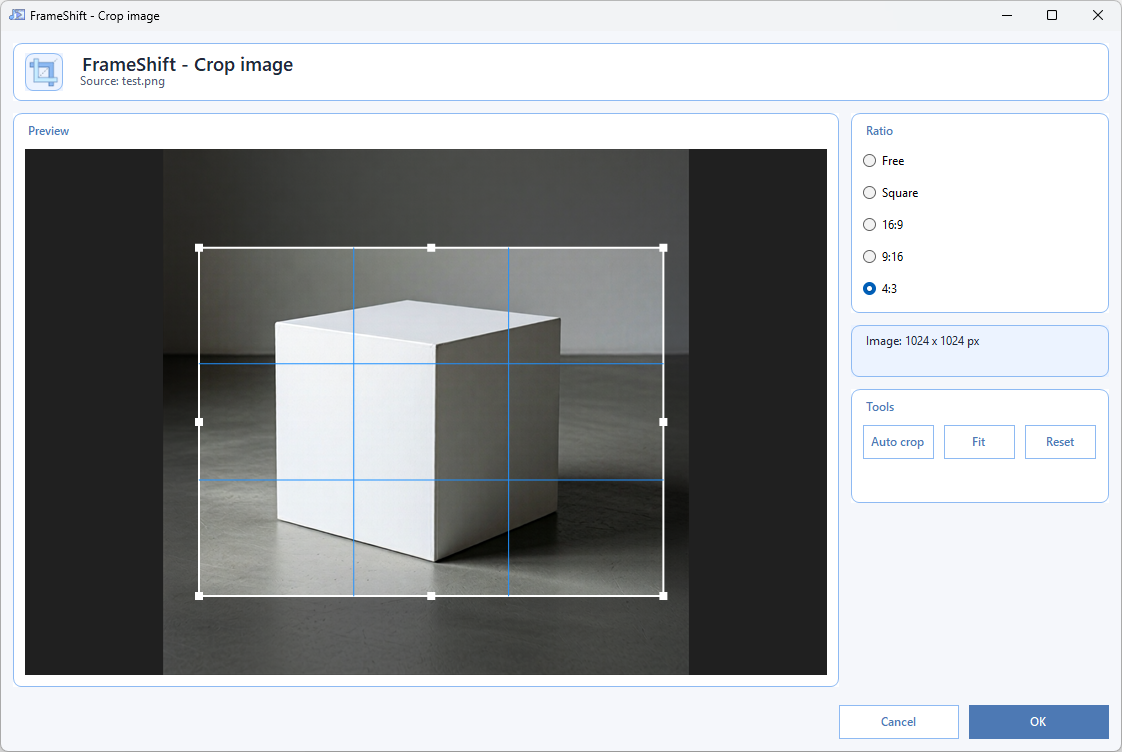
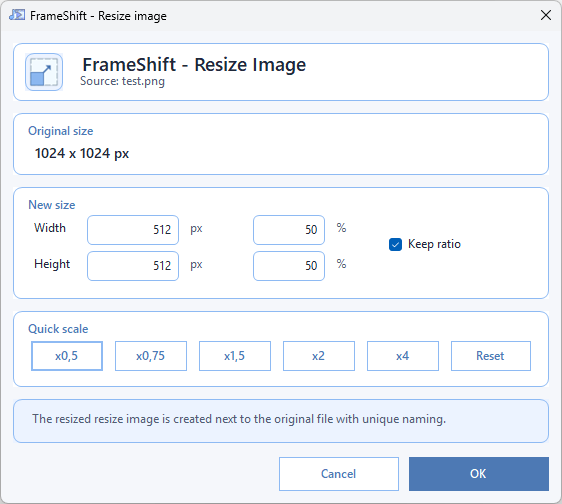
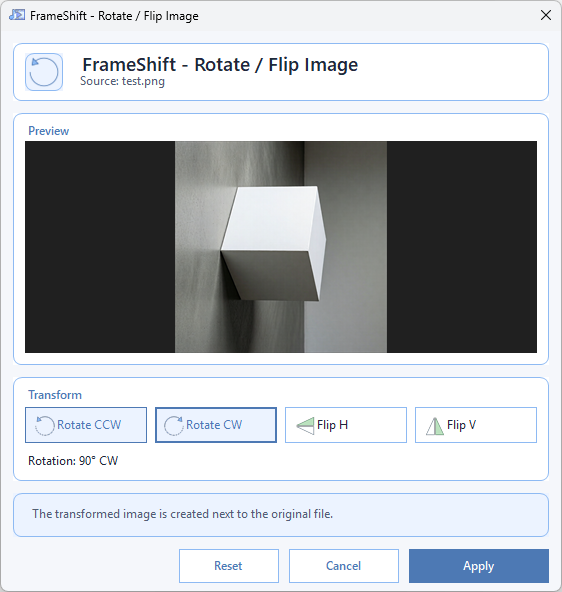
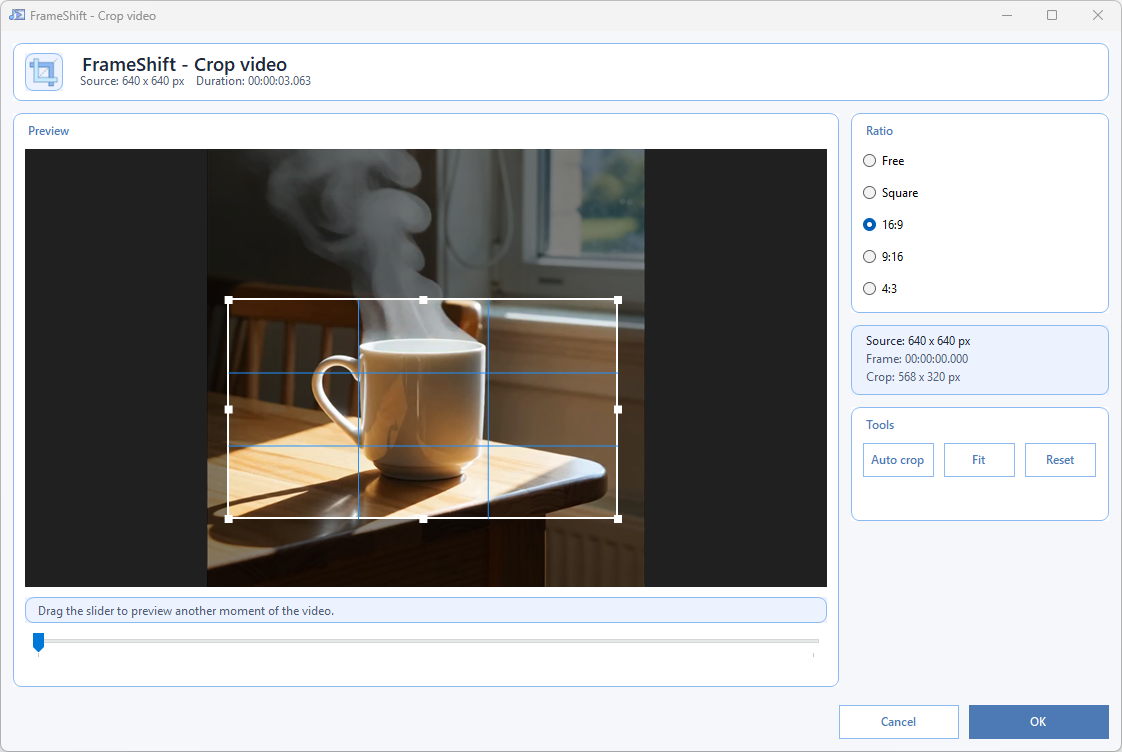
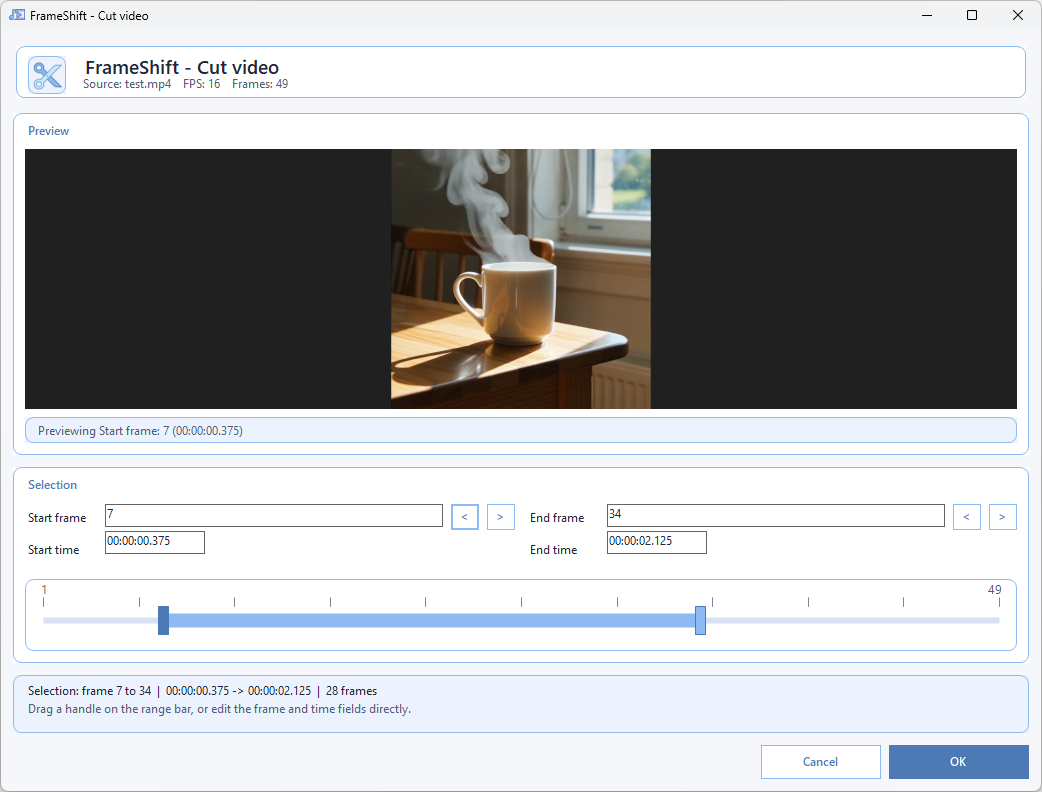
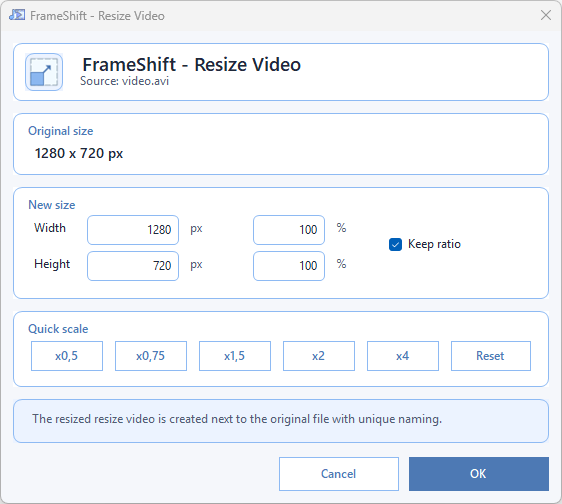
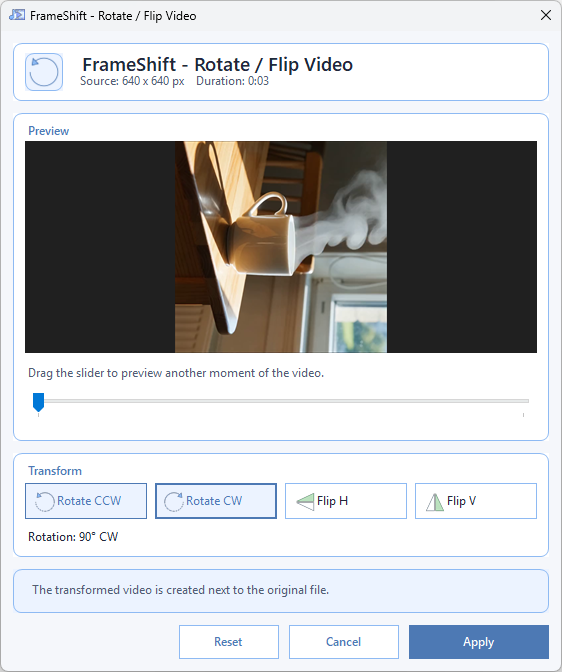
Need to crop, trim, rotate, resize, or extract something fast? FrameShift is designed for small, repeated media fixes that should take seconds, not minutes.
Results stay next to the original file with safe unique naming. You keep your source, avoid accidental overwrites, and stay in control of every version.
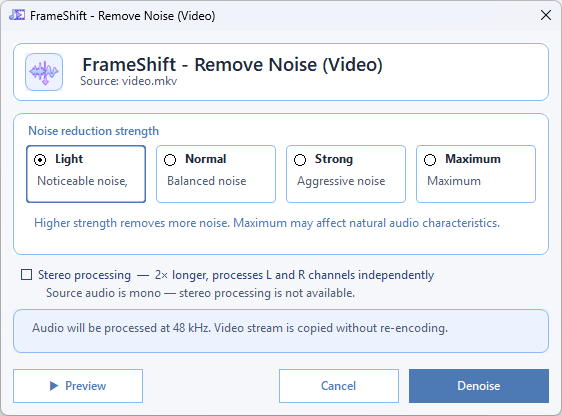
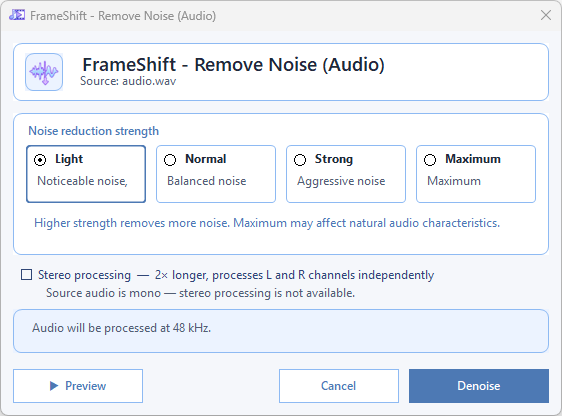
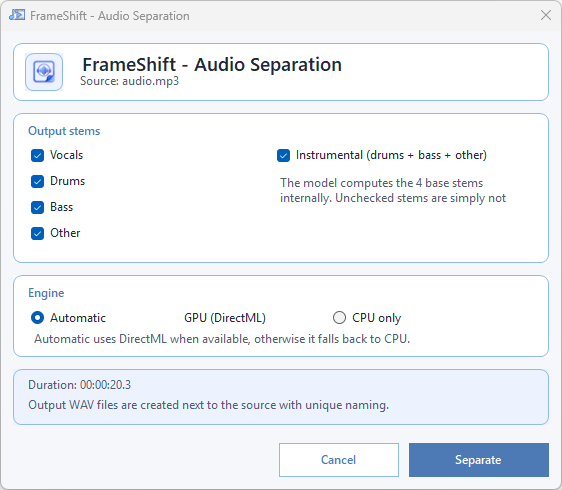
Use AI features like subtitle creation, image and video upscaling, background removal, denoising, and audio separation locally on your machine. No upload, no subscription wall, no sending private files to a remote service.
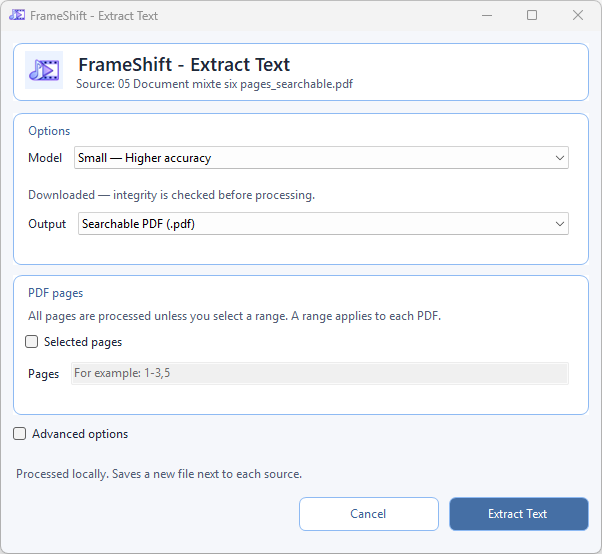
Read text from images, scanned PDFs and mixed documents locally. Choose PP-OCRv6 Small for higher accuracy or Tiny for speed, then export TXT, JSON or a searchable PDF with its original appearance.
Select PDF pages, reuse native text, choose paragraph layout and rendering quality. Detected columns are read in order; oversized pages use a safe resolution and report the adjustment. Outputs are saved beside the source under unique names.
Explore Extract Text →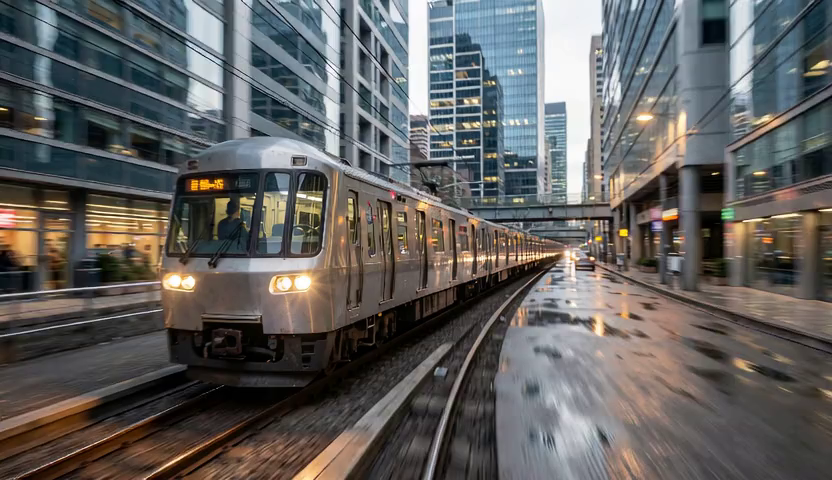 Before
 After
After
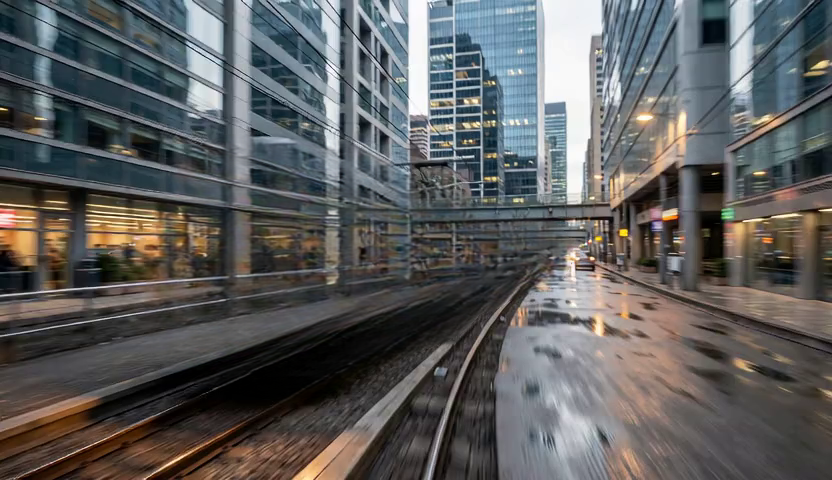
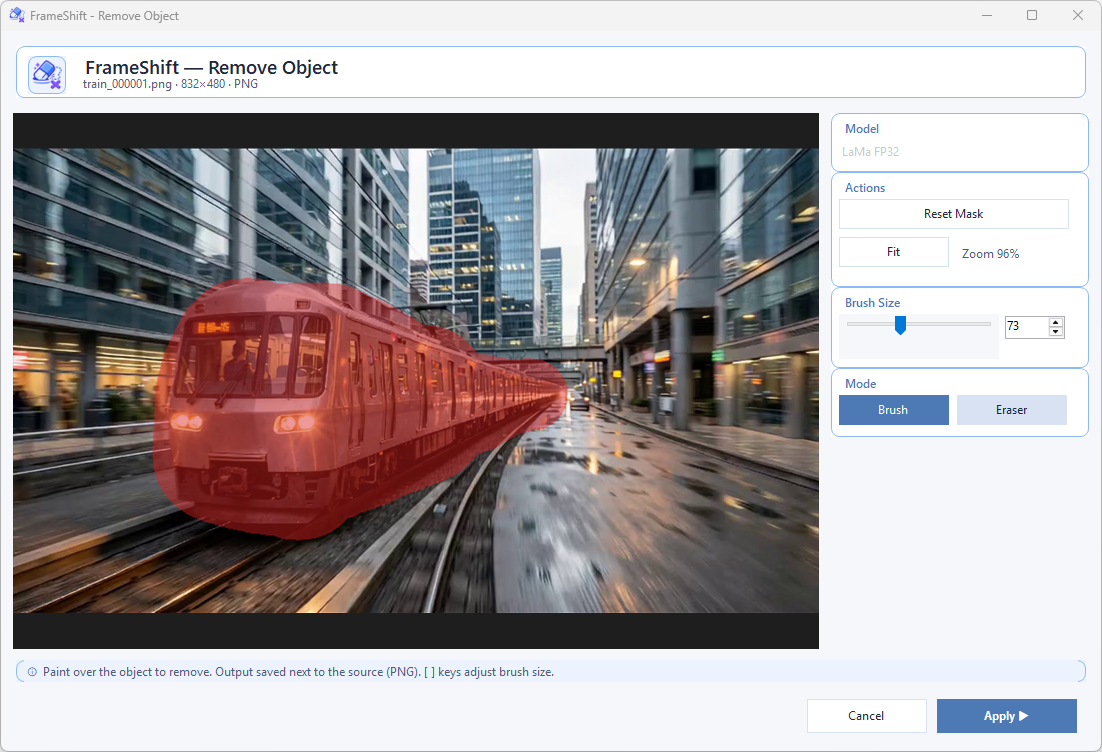
Paint over any object with a brush, click Apply — the AI reconstructs the background behind it. No upload, no cloud. Runs entirely on your machine with LaMa inpainting via ONNX Runtime.
Improve low-resolution clips directly from Explorer at ×2, ×3, ×4, or a custom aspect-locked size. Everything stays on your machine, with no upload or cloud dependency.
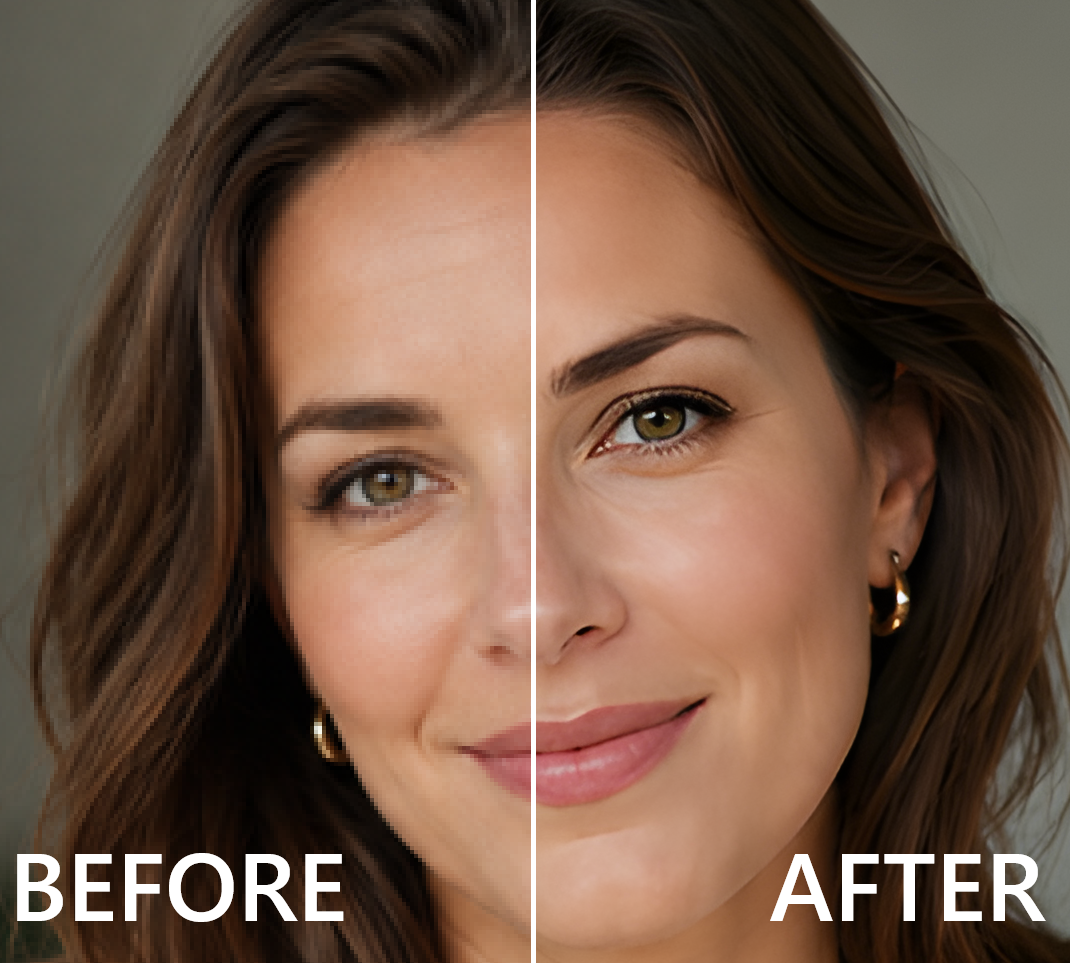
Choose ×2, ×3, ×4, or a custom aspect-locked size with a local AI model picker: Real-ESRGAN x4plus for general images, Anime 6B for illustration work, and Swin2SR for restoration-focused quality. DirectML runs when available, with automatic CPU fallback and invisible tiling for large files.
Cut out subjects from your images with a single click. Choose between fast and higher-resolution local models, with optional BRIA user-supplied modes for non-commercial setups. No subscription, no upload.
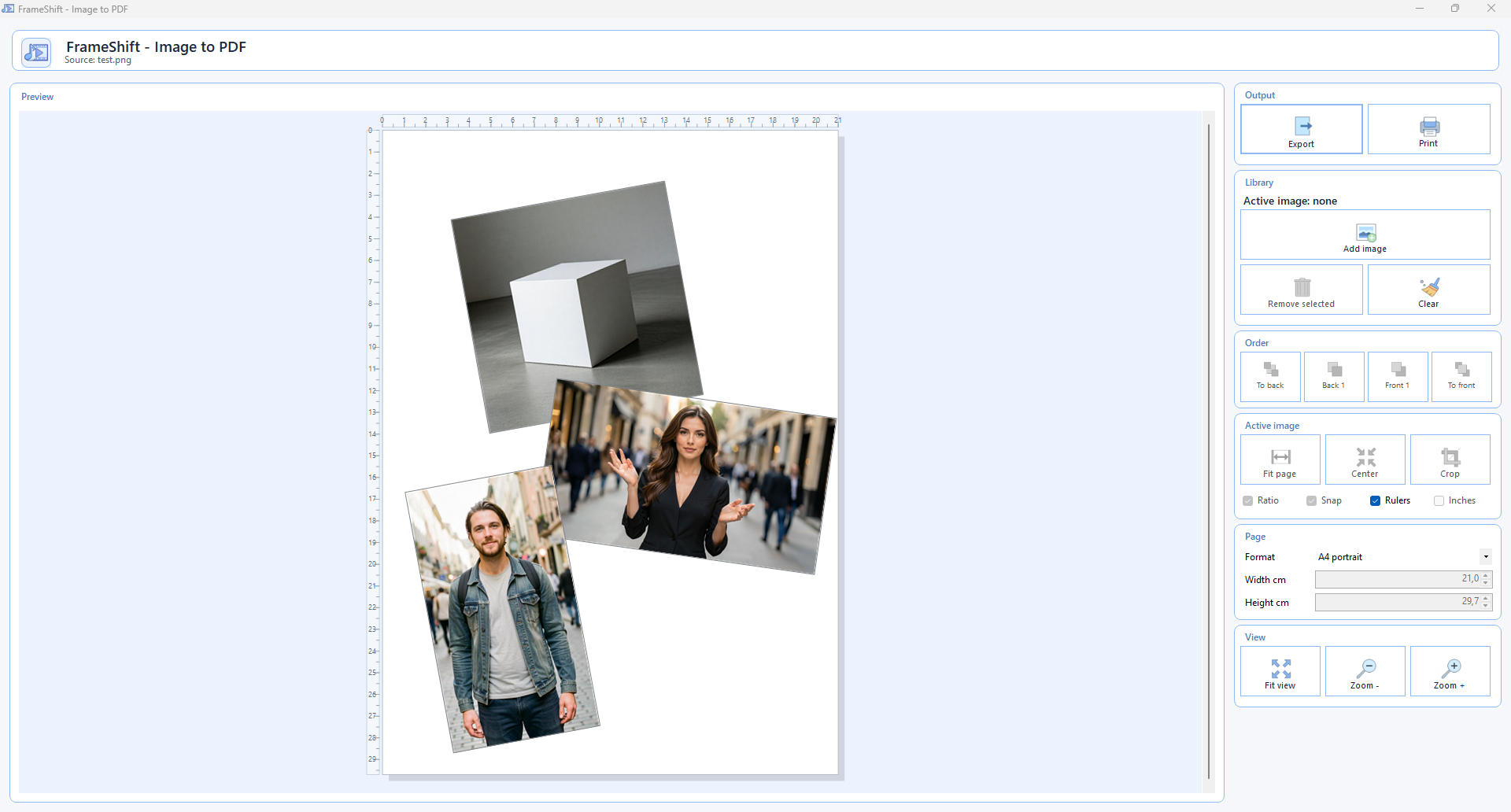
Select your images, choose the action, get a clean PDF ready to share. Order, page size and orientation handled for you.
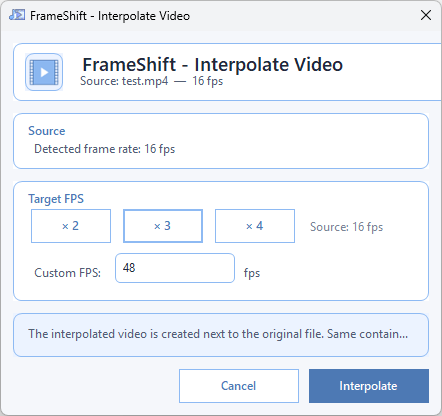
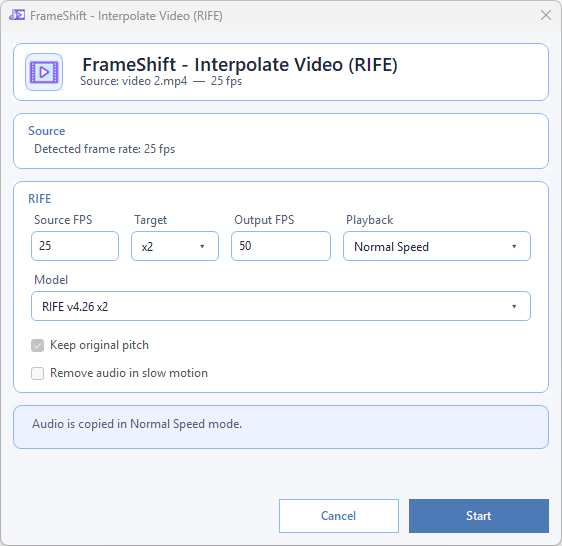
Generate smoother motion with the local RIFE workflow, model preflight, and ONNX Runtime DirectML acceleration when available.
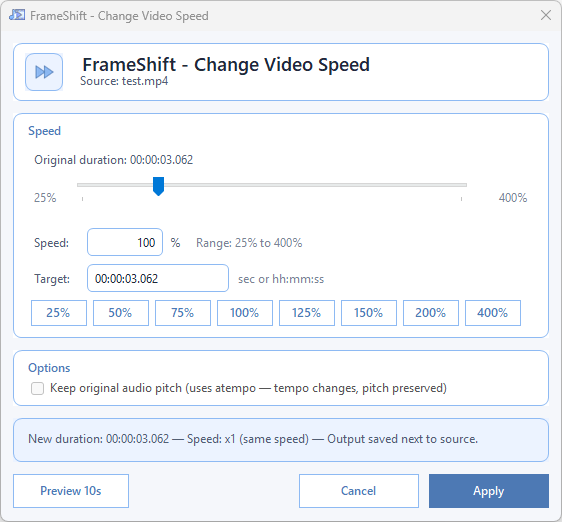
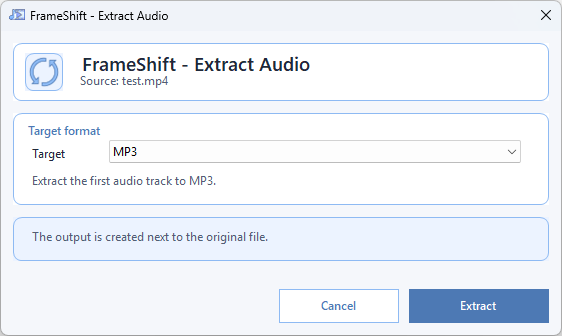
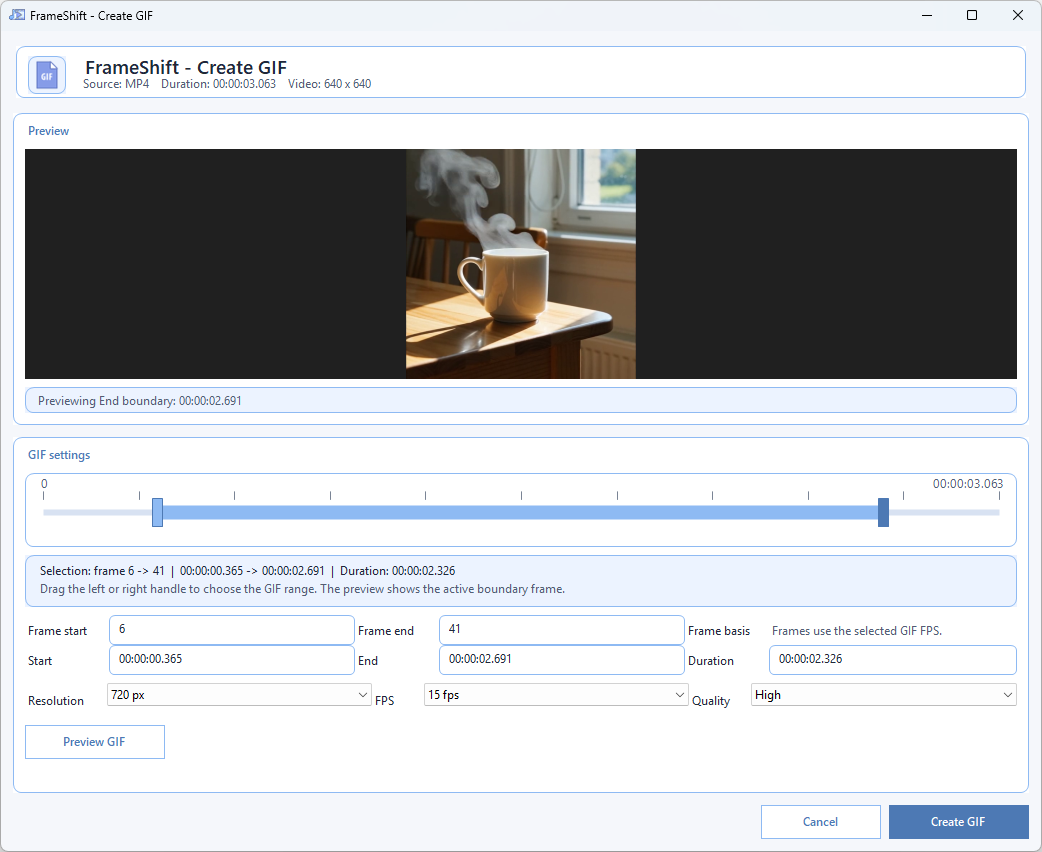
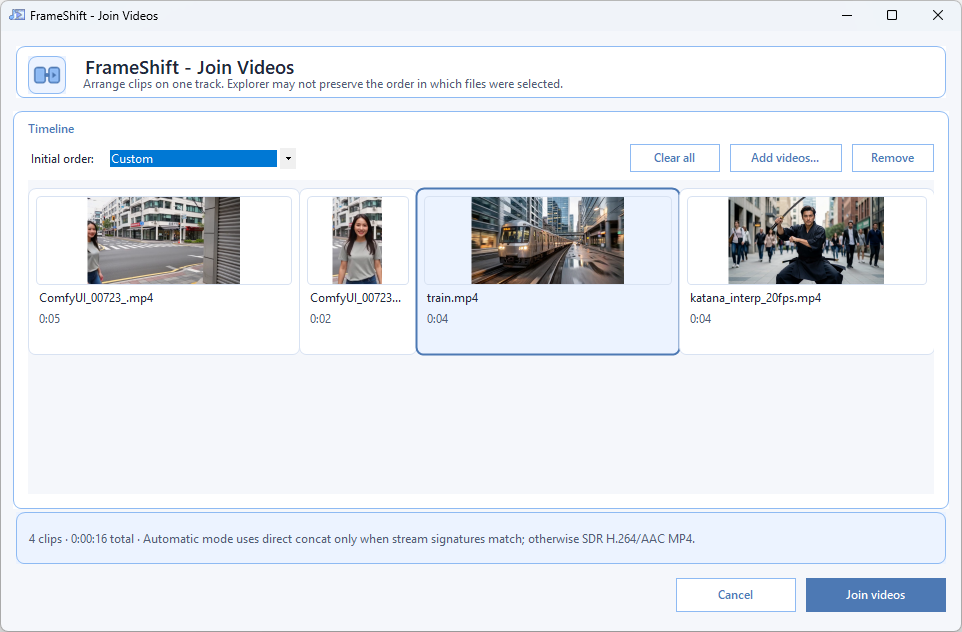
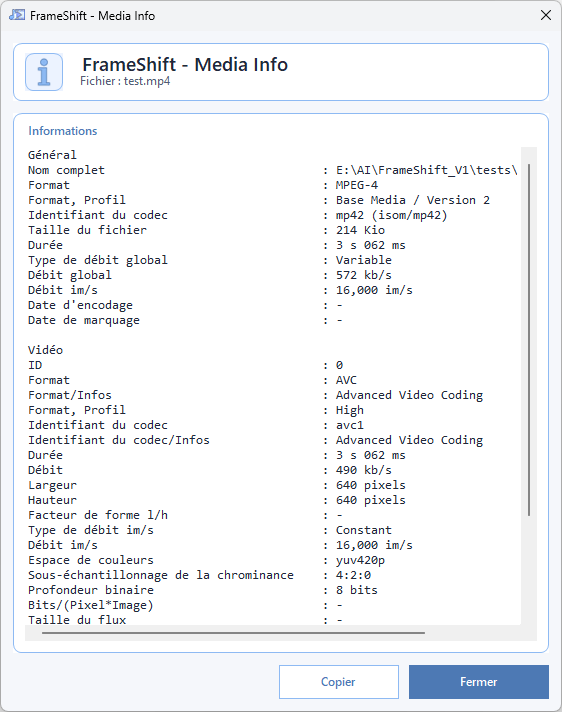
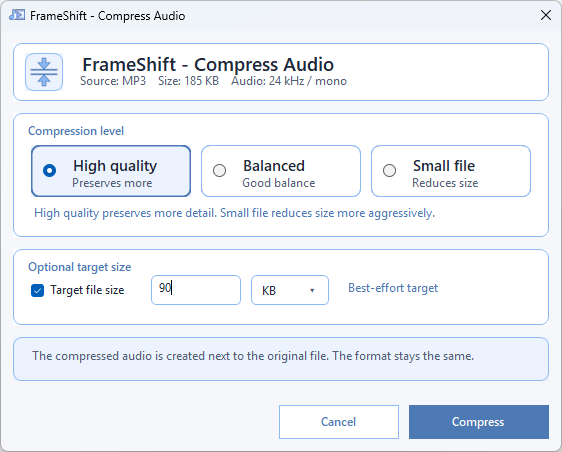
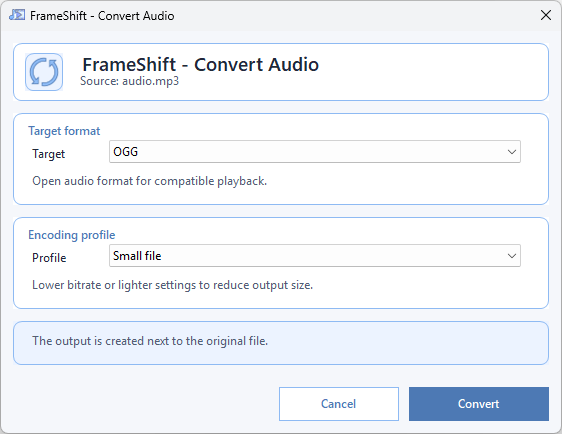
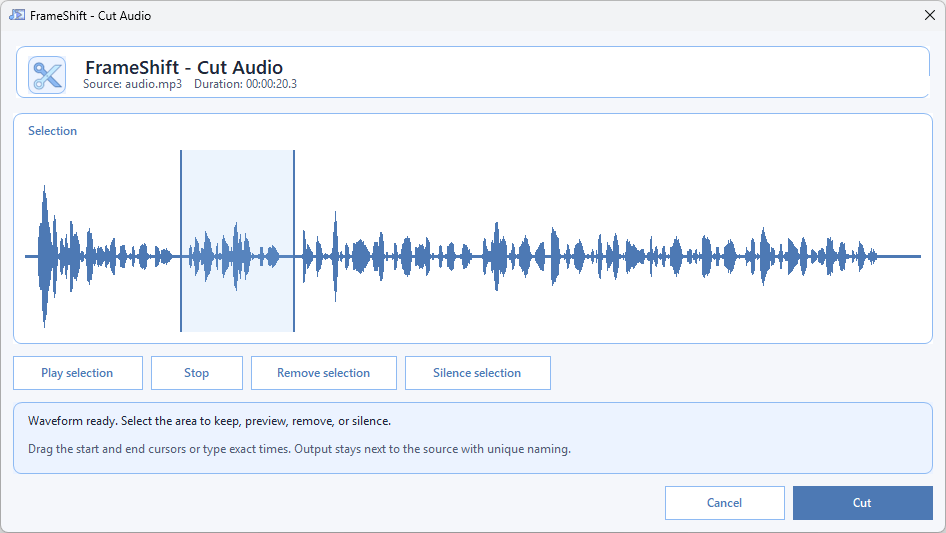
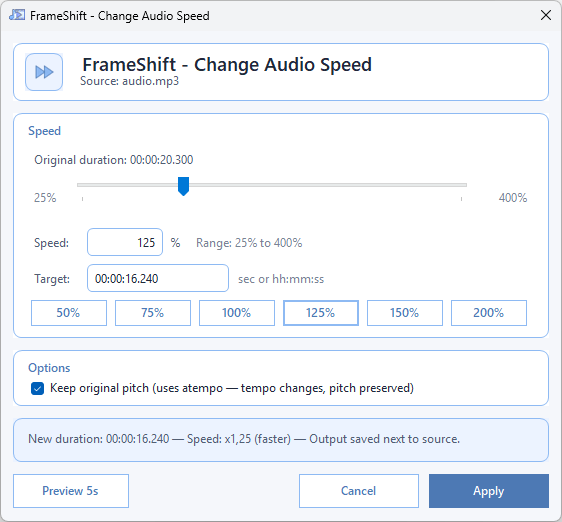
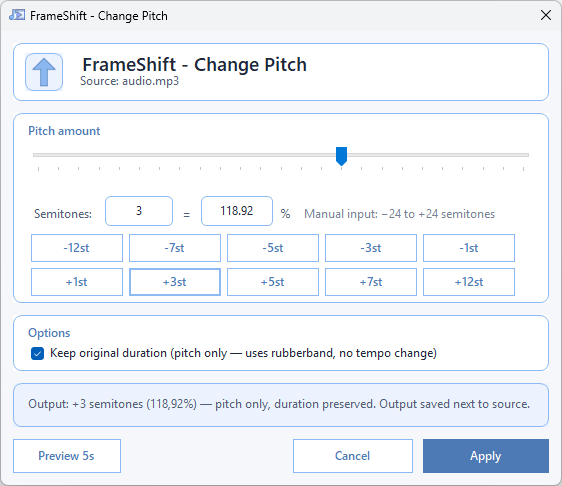
Every UI is designed to be readable, run in seconds, and get out of the way.
win-x64Yes. Completely free, no subscription, no trial period, no feature lock. It is also open source under the GNU GPL v3.0 license.
No. All processing happens locally on your machine. Your photos, videos and audio files never leave your disk. No upload, no cloud, no telemetry of any kind.
No. FFmpeg and FFprobe are bundled with FrameShift. Nothing to install or configure manually — the installer handles everything.
Yes. FrameShift is fully offline. An internet connection is only used the first time you download an optional AI model (OCR text extraction, background removal, subtitle creation, image or video upscaling, etc.). After that, everything runs without any connection.
Windows 10 and Windows 11 (x64). FrameShift is self-contained and requires no additional runtime to be installed.
HandBrake and Shutter Encoder are excellent dedicated converters. FrameShift is complementary: it is designed for fast, everyday corrections launched directly from the Windows right-click menu without opening a separate app — and it includes local AI workflows such as background removal, image and video upscaling, audio stem separation, subtitle creation, denoising, and RIFE interpolation.
Yes, when available. FrameShift uses ONNX Runtime with DirectML to run AI models on the GPU. If no compatible GPU is found, it automatically falls back to CPU processing.
Yes. The background removal feature runs entirely on your machine using a local AI model. No account, no upload, no subscription required.
FrameShift is free and built in my spare time. If the tool saves you time, a coffee is always appreciated.
Buy me a coffee